
How to Set Up an Online Booking System in the Philippines (and Cut No-Shows)
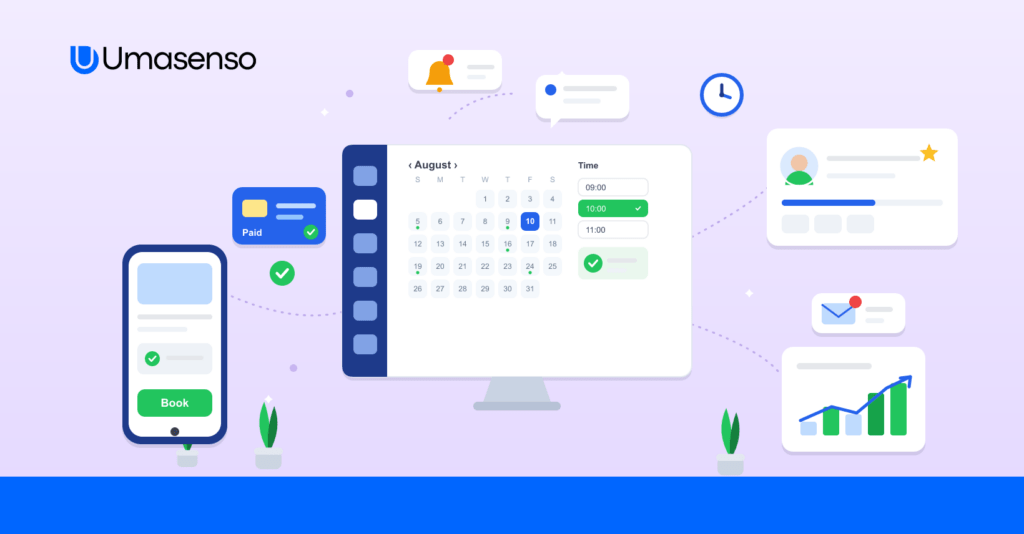
To set up an online booking system in the Philippines, choose a tool that shows real-time availability, syncs to your calendar, accepts GCash and Maya deposits, and sends automatic SMS and email reminders. Publish a booking link on your website and Facebook page, set your services and hours, and switch on reminders – most businesses cut no-shows within the first month.
Phone tag and Messenger back-and-forth cost Philippine service businesses hours every week – and every missed reply is a lost booking. An online booking system lets customers book themselves, 24/7, while you stay in control of your calendar. Here is how to set one up in 2026.
What is an online booking system and how does it work?
An online booking system shows your real, live availability and lets customers reserve a slot themselves through your website or a booking link. The booking syncs to your calendar instantly, blocks that time so no one double-books, and triggers reminders before the appointment. See how Umasenso does it on our online booking system page.
Why Philippine businesses are moving to online booking
- Bookings after hours – customers book at 11 PM without you lifting a finger.
- Fewer no-shows – automatic reminders and deposits keep slots filled.
- Local payments – collect GCash, Maya, or Shopee Pay at the time of booking.
- Less admin – no more manual scheduling or double-booking mix-ups.
Must-have features
- Real-time availability and calendar sync
- Automatic SMS and email reminders
- GCash / Maya / Shopee Pay deposits at booking
- Multi-staff and multi-resource scheduling
- Double-booking prevention
How to set up online booking in 5 steps
- Pick a booking tool that fits your business and accepts local payments.
- Add your services, staff, and hours so availability is accurate.
- Connect payments (GCash, Maya, Shopee Pay) for deposits.
- Embed the booking link on your website and Facebook page.
- Turn on SMS and email reminders to cut no-shows.
How to cut no-shows
Two levers do most of the work: automatic reminders (SMS and email) and requiring a small deposit at booking. Together they give customers a nudge and a reason to show up.
Which businesses benefit most
Any appointment-based business wins, but online booking is transformative for clinics, salons and spas, tennis and sports courts, fitness studios, and wellness centers.
Manual booking vs. online booking
| Feature | Manual (phone / DM) | Umasenso online booking |
|---|---|---|
| Availability | You reply one by one | Shown live, 24/7 |
| Payments | Cash / manual transfer | GCash, Maya, Shopee Pay at booking |
| Reminders | Manual, easy to forget | Automatic SMS & email |
| Double-bookings | Common | Prevented automatically |
| After-hours bookings | Missed | Captured |
Frequently asked questions
What is an online booking system?
It lets customers schedule appointments themselves, 24/7, through your website or a booking link, syncing to your calendar and sending reminders that cut no-shows.
Can customers pay with GCash or Maya when they book?
Yes – Umasenso lets you collect deposits or full payment at booking using GCash, Maya, and Shopee Pay.
Does it send reminders?
Yes – automatic SMS and email reminders go out before each appointment to reduce no-shows.
Which businesses is it best for?
Clinics, salons and spas, sports courts, fitness studios, wellness centers, and home services.
Start taking bookings online
Umasenso gives Philippine businesses a complete online booking system with local payments and automated reminders – built to fill your calendar and cut no-shows.